Filter
Overview
Any data table pages support filtering, which allows users to narrow down the displayed data based on specific criteria.
Filter Options
Apply Filter
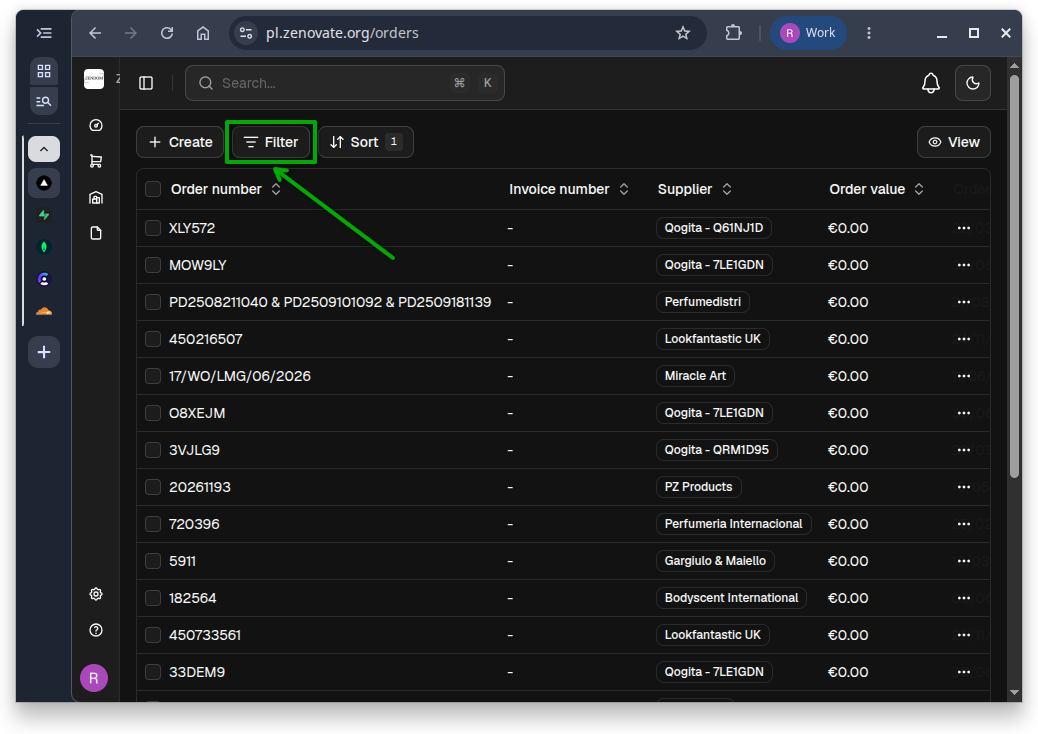
To apply filters, click on the filter icon located at the top-left of the data table. A dropdown menu will appear, allowing you to select the desired filter criteria.
Multiple Filters
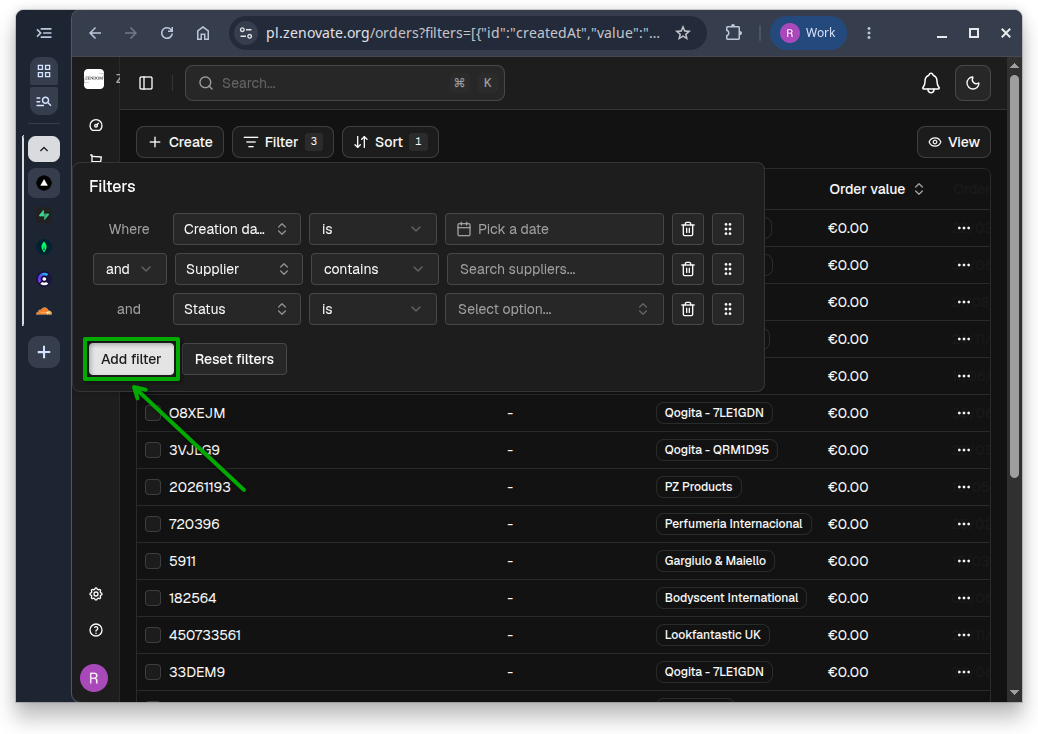
Click Add filter to apply multiple filters. You can choose from various filter types, such as text, number, date, and more, depending on the data type of the column.
Clear a Filter
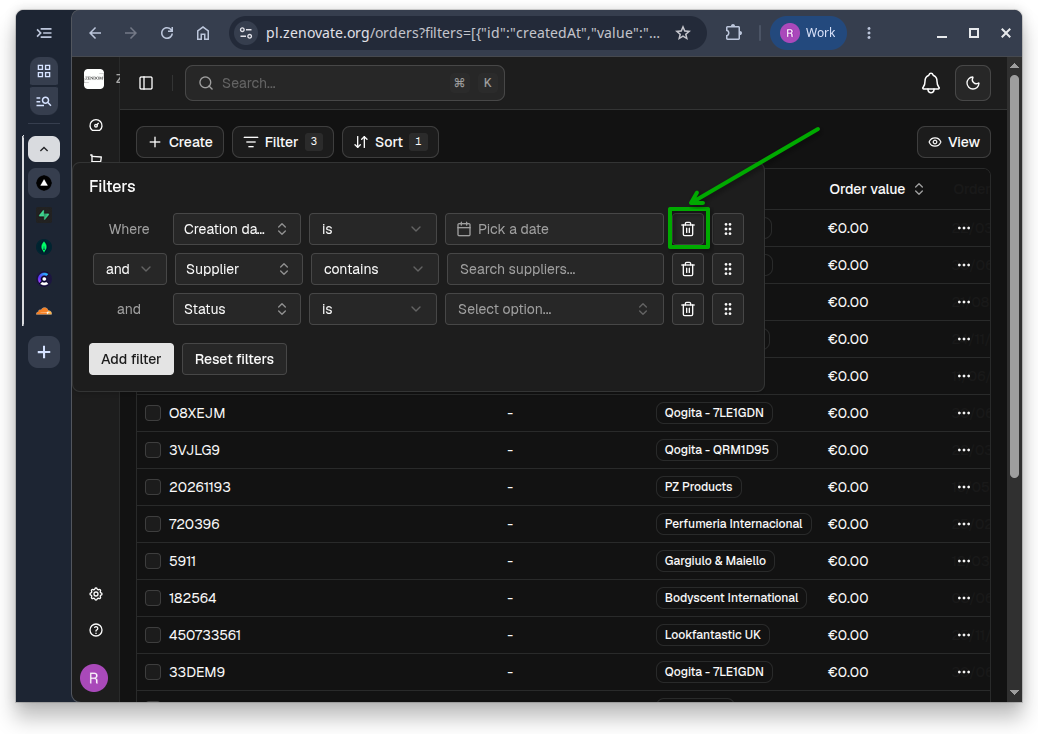
To clear a filter, click the trash can icon next to the applied filter.
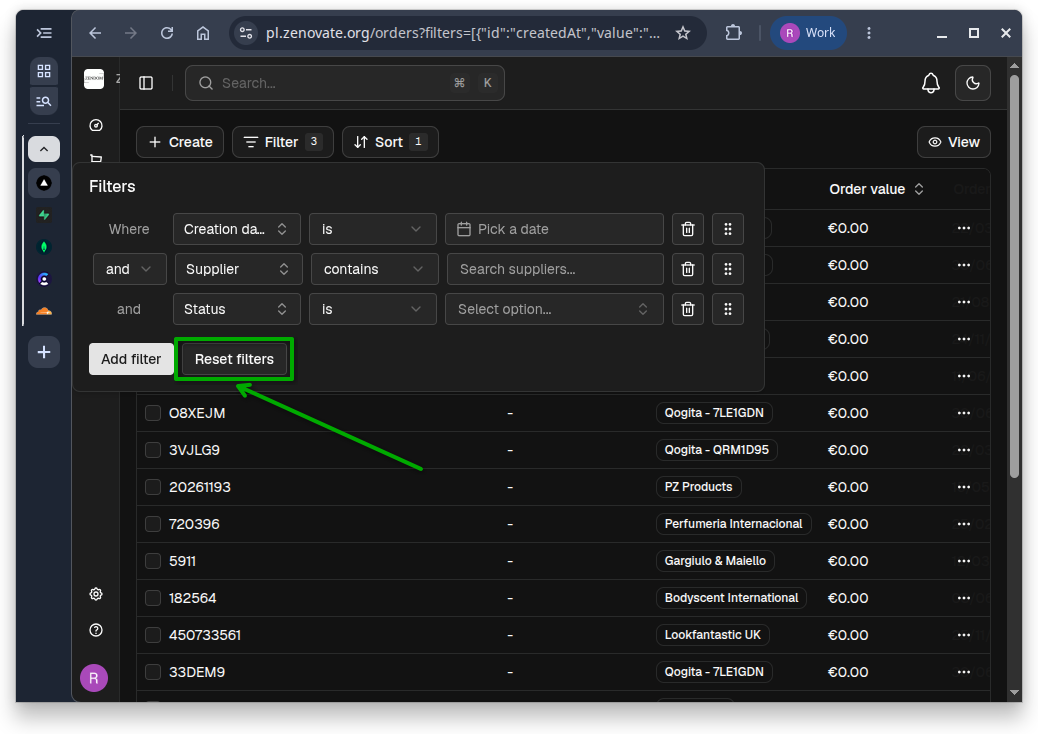
Reset Filters
To clear all applied filters, click the Reset filters button.