Columns
Overview
The Columns feature allows users to customize the visibility and order of columns in data tables, enabling a more tailored view of the displayed data.
Column Visibility
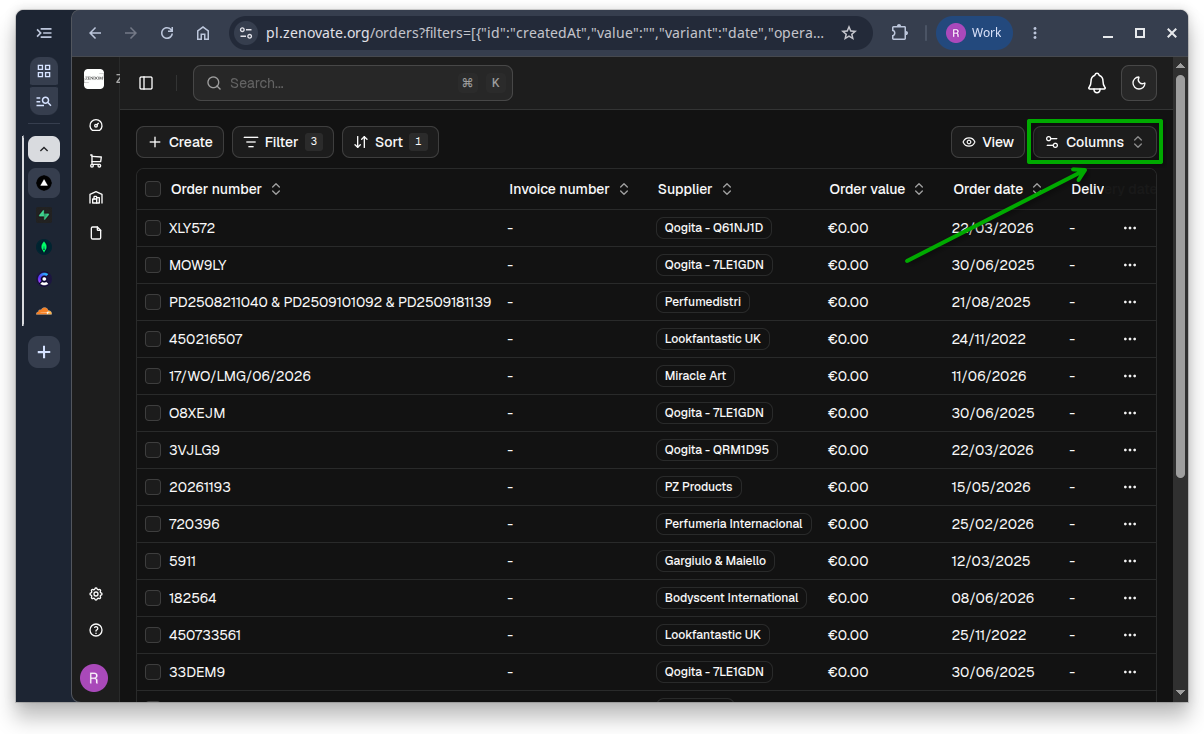
Click on the Columns button located at the top-right of the data table to access the column visibility options.
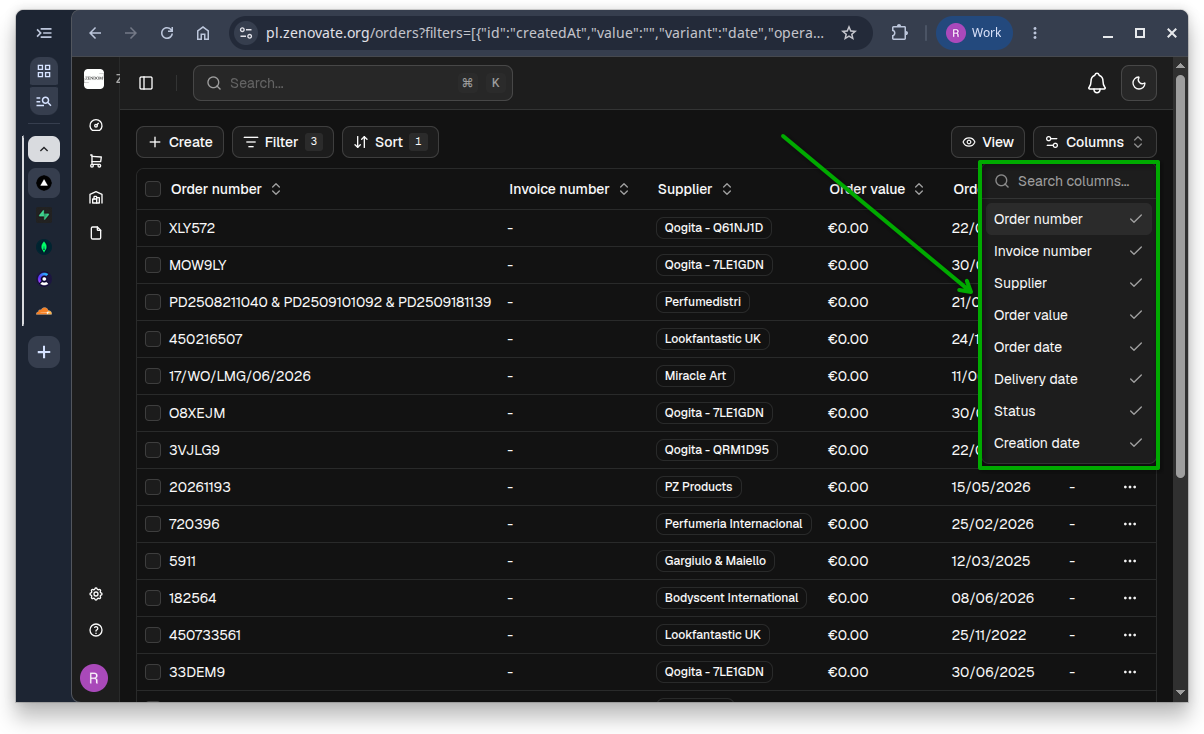
A dropdown menu will appear, allowing you to select or deselect columns to show or hide.
Columns visibility settings are saved after creating views, allowing users to maintain their preferred column configuration across sessions (see View for more information).